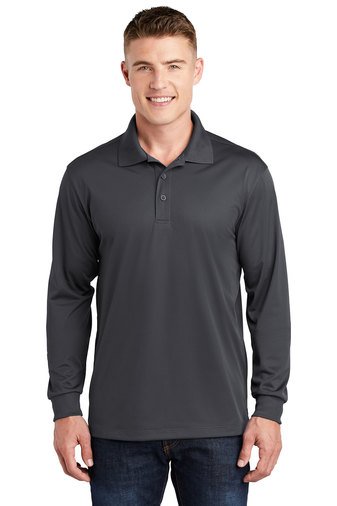
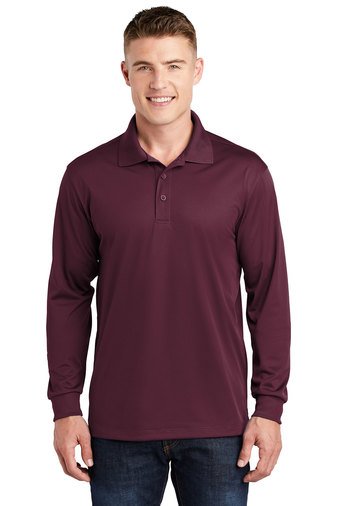
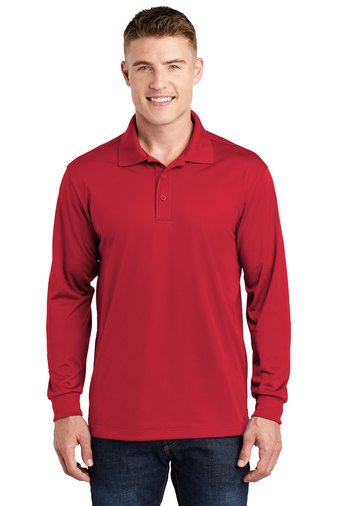
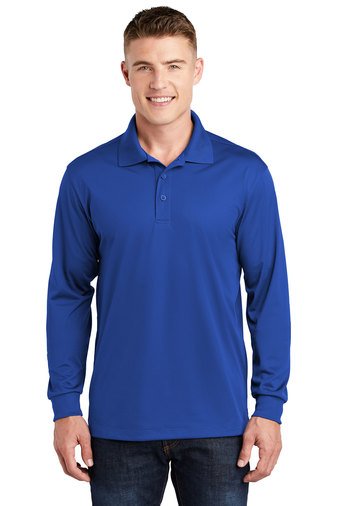
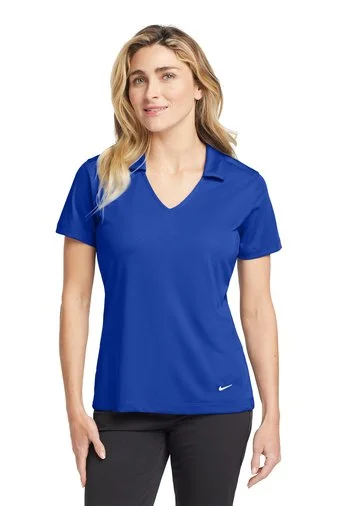
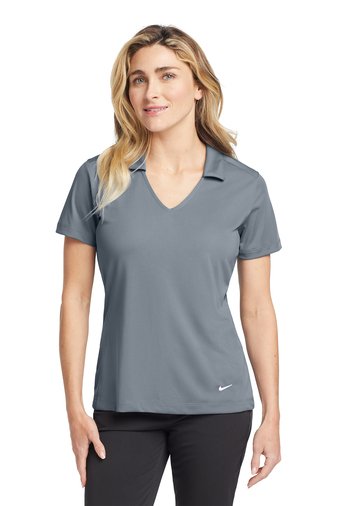
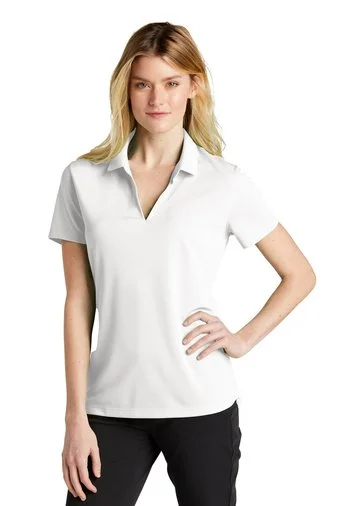
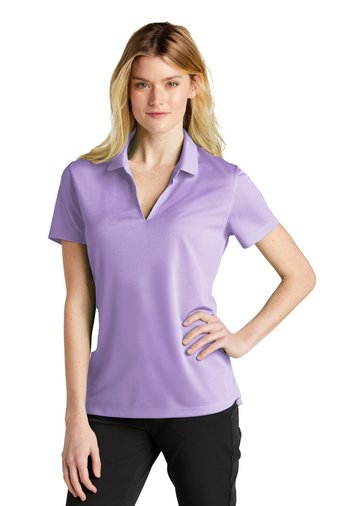
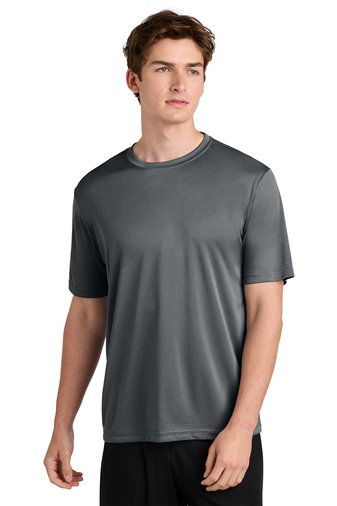
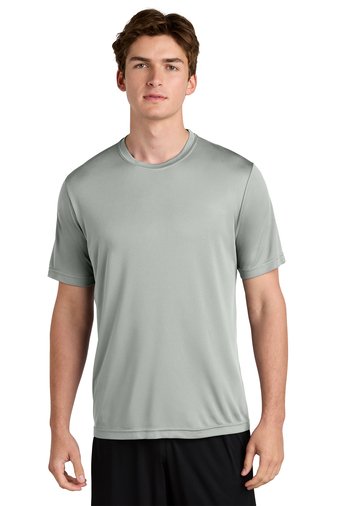
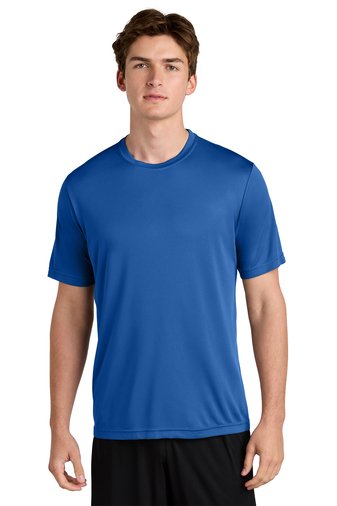
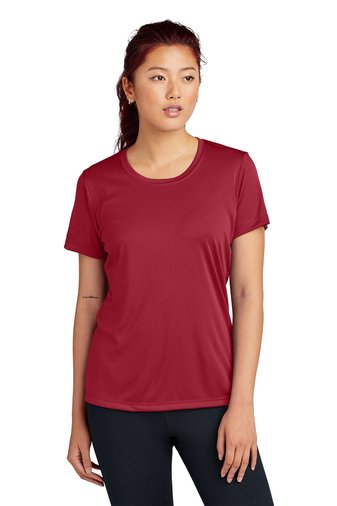
For a Smooth ordering experience follow these steps:
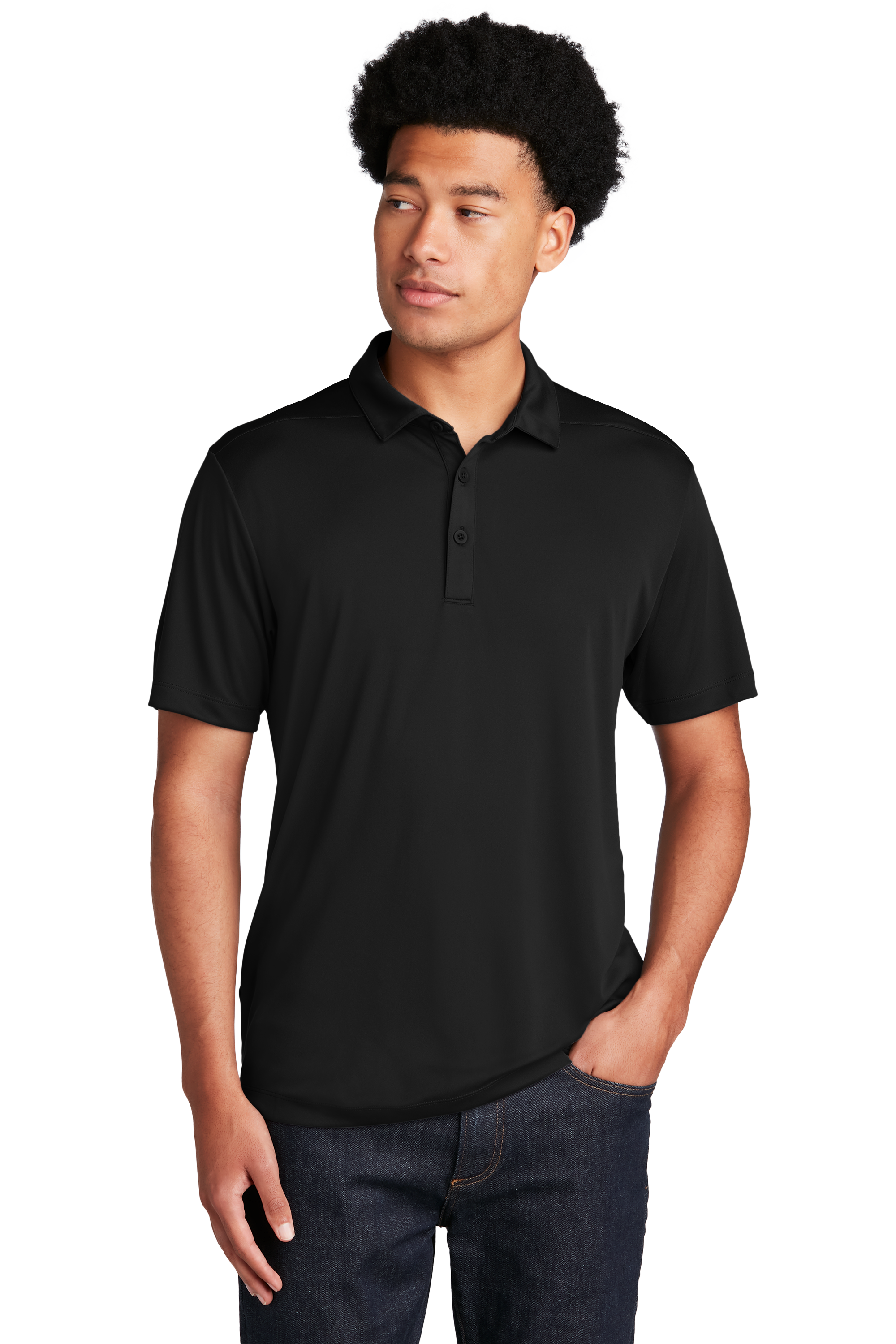
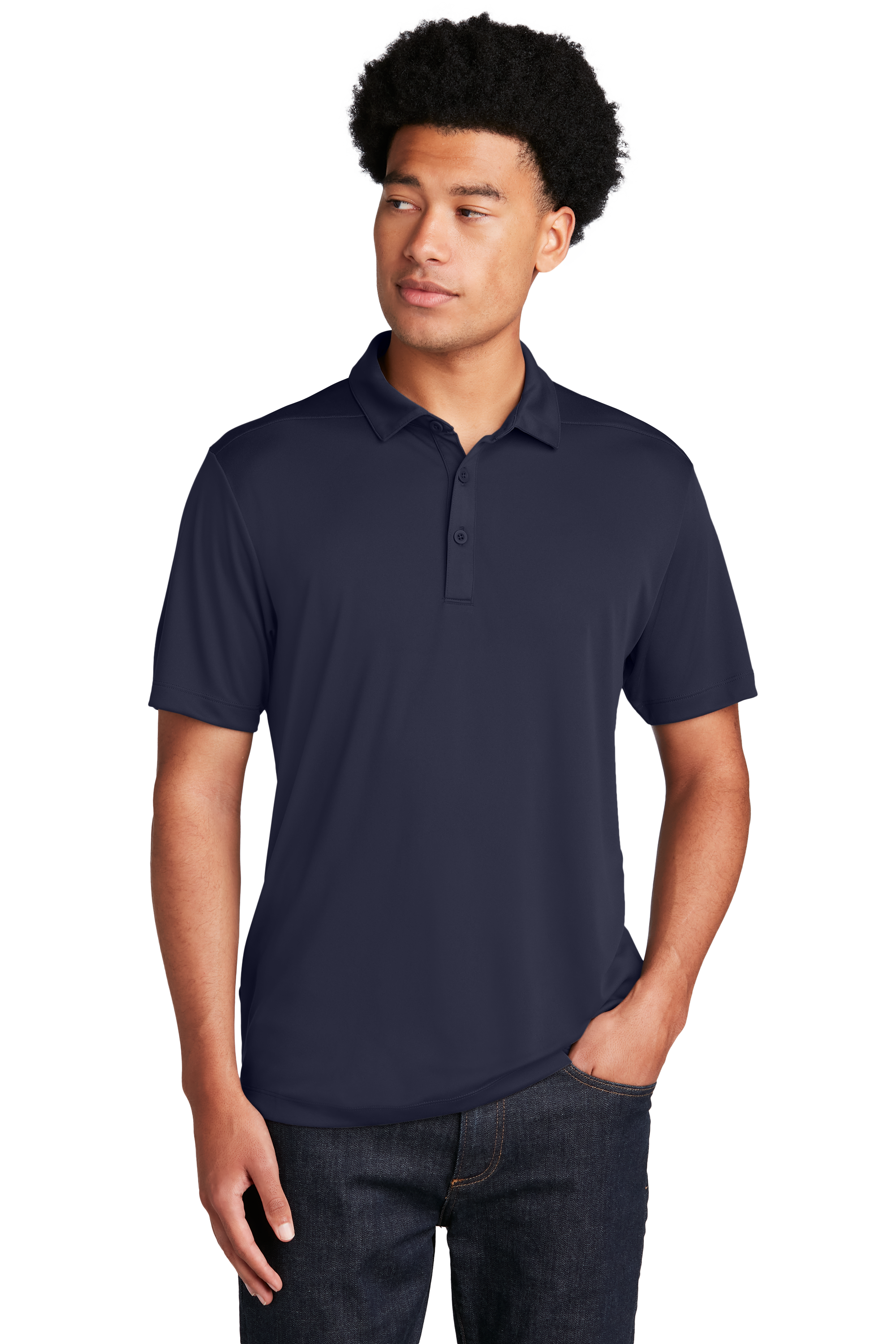
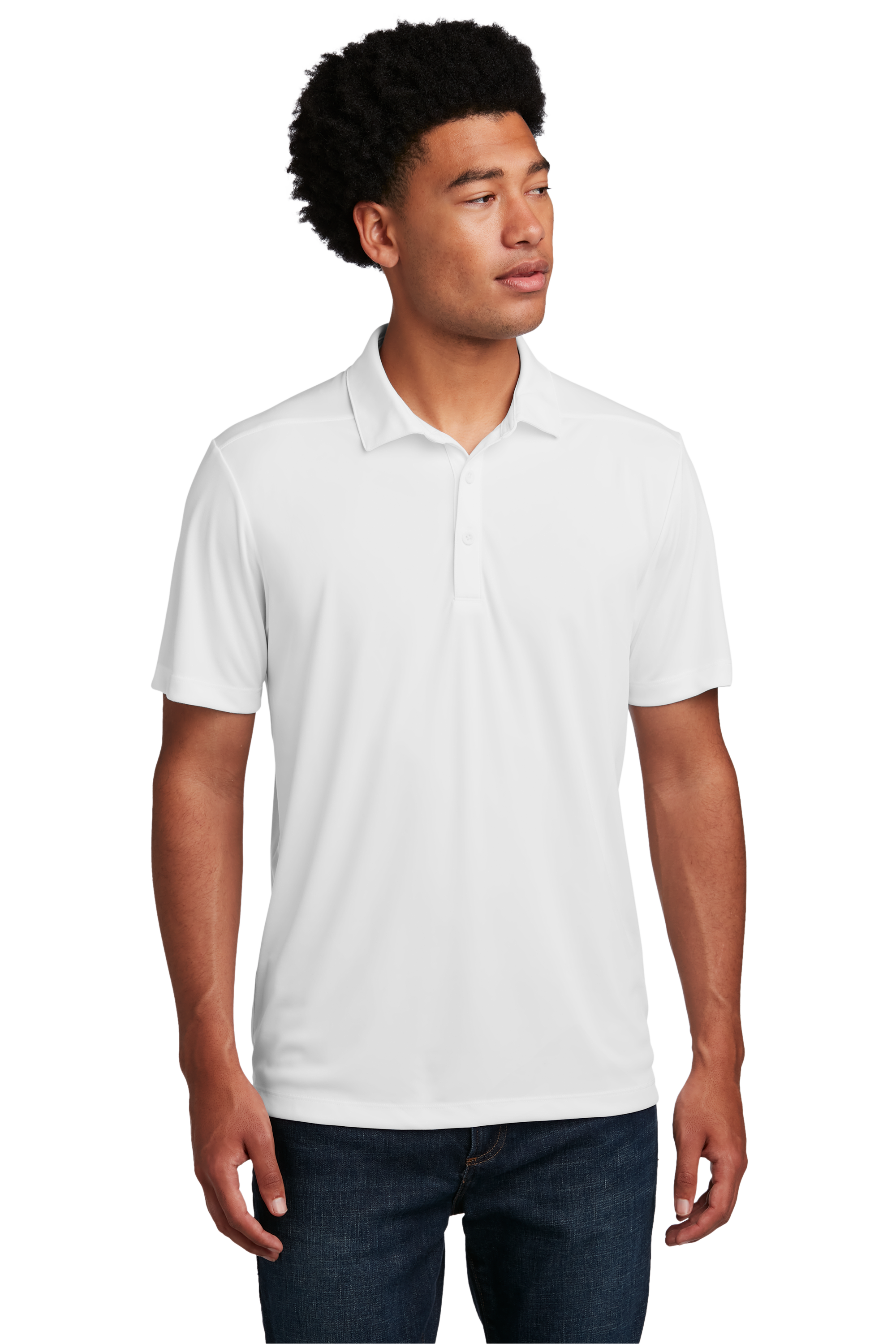
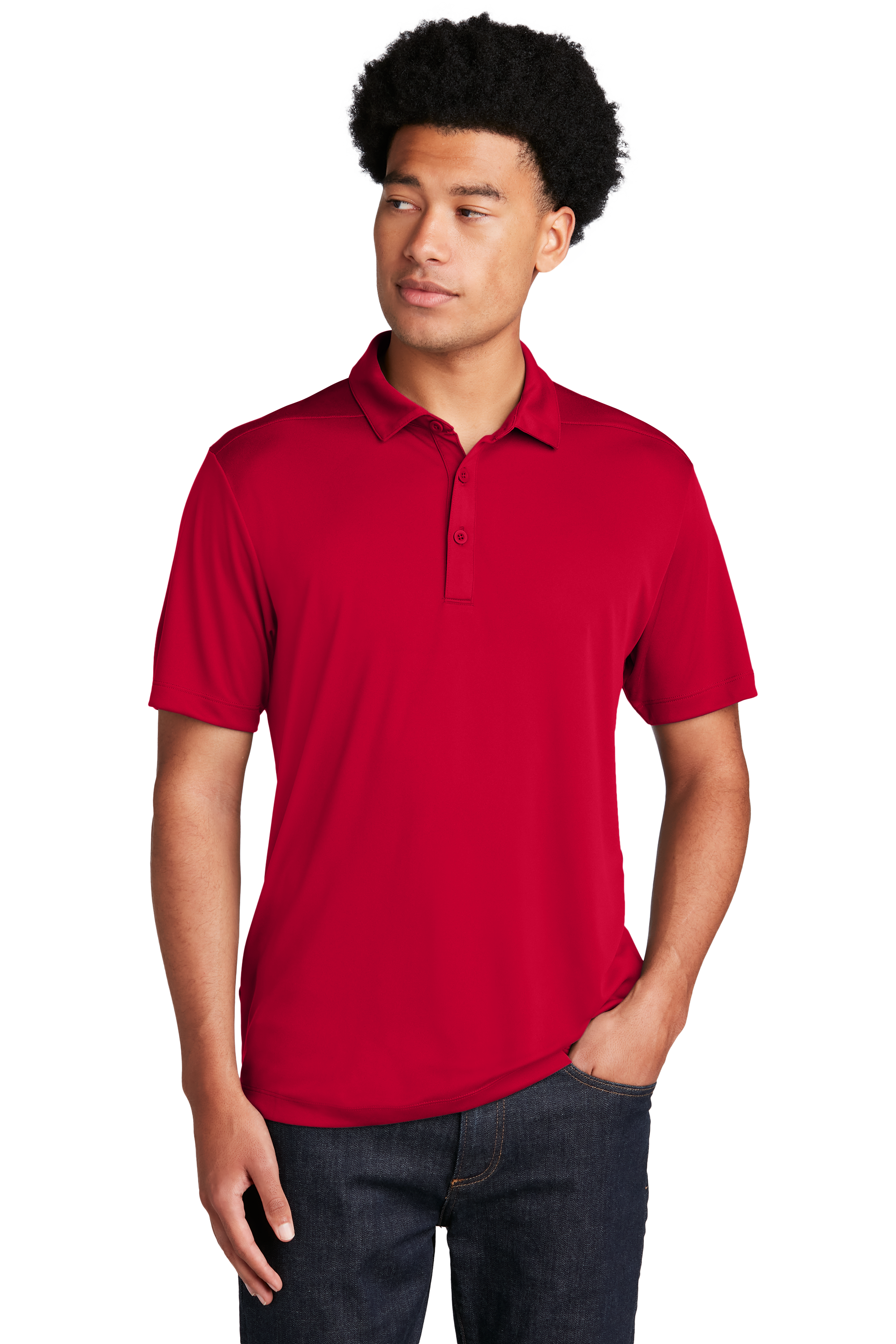
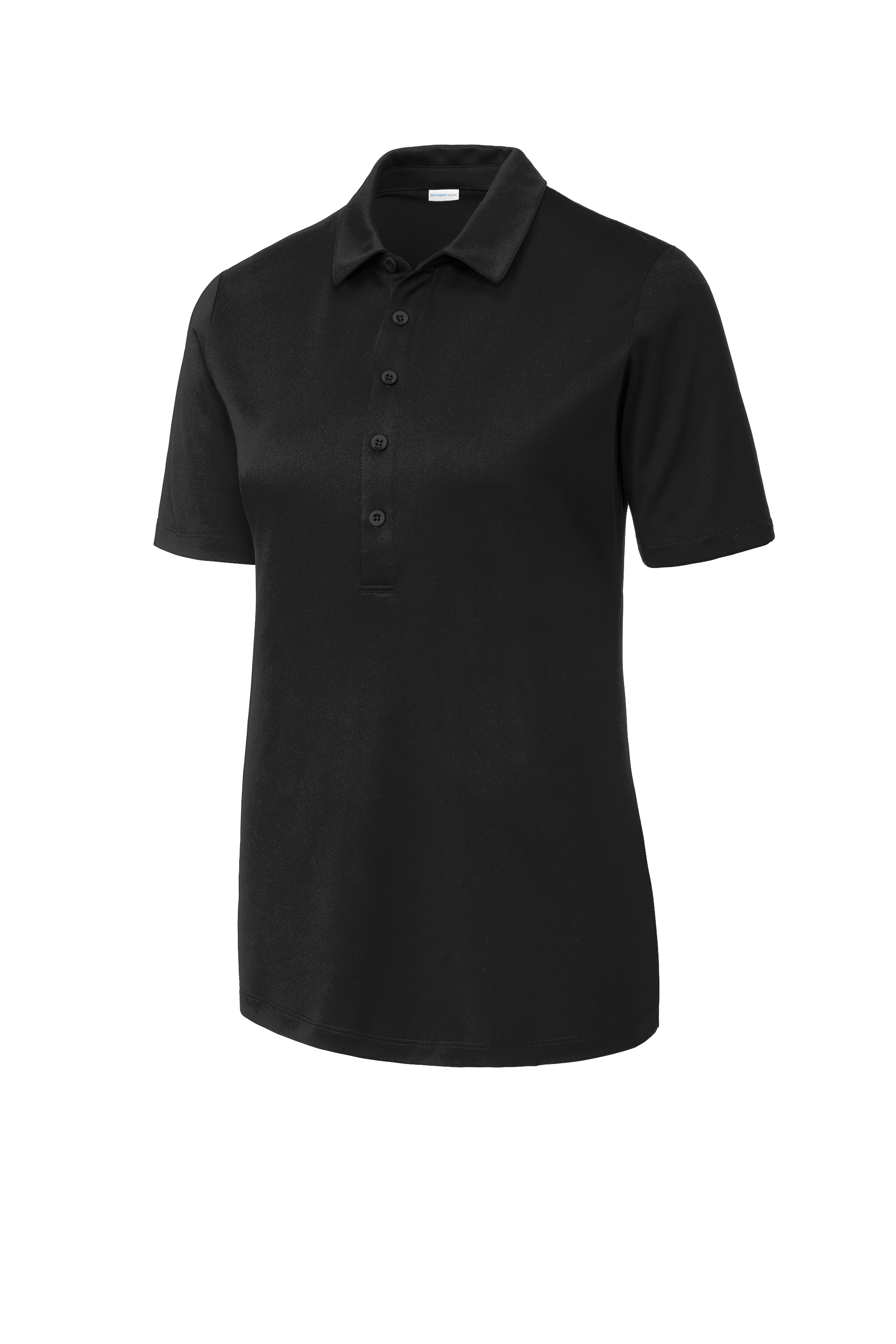
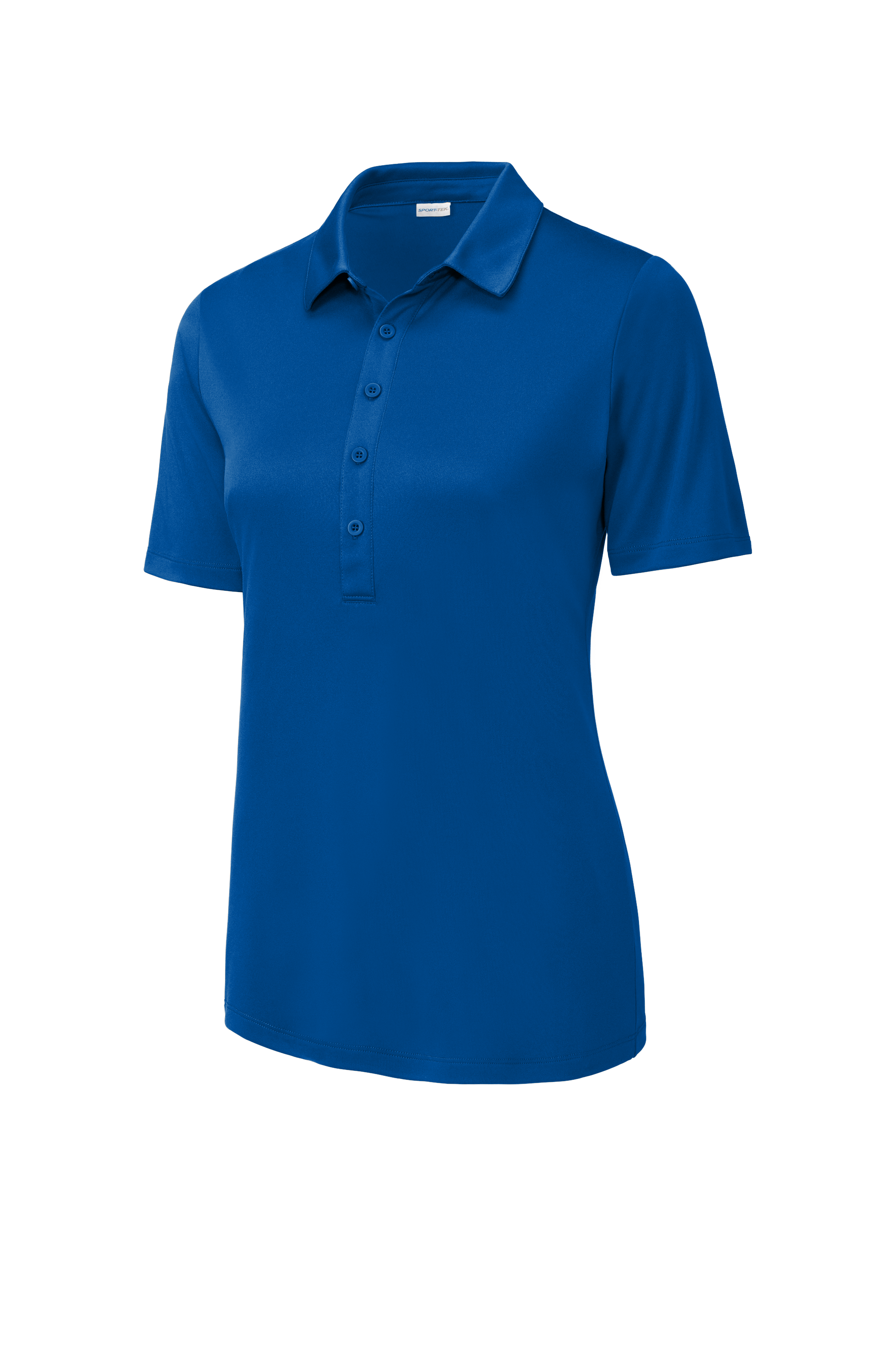
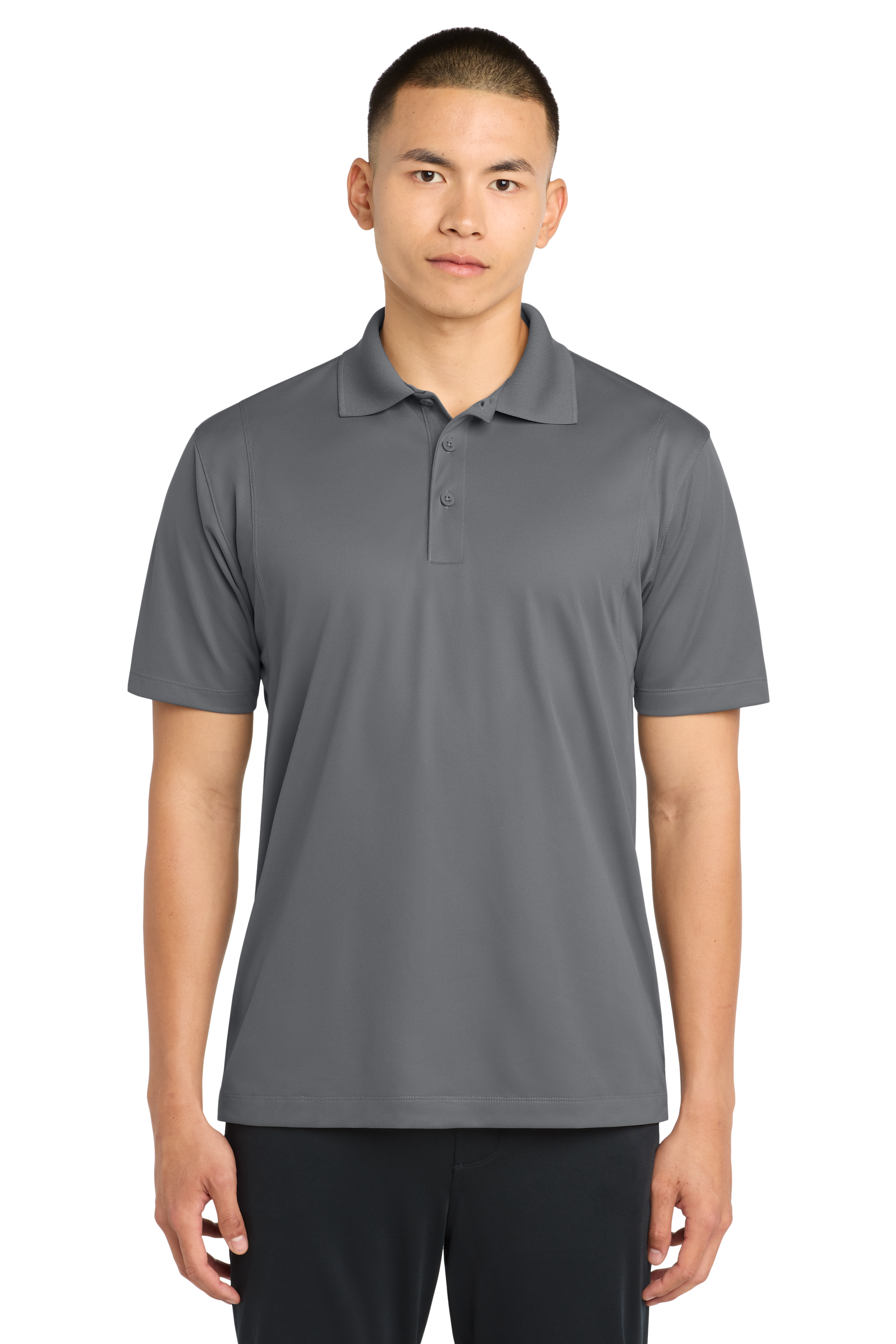
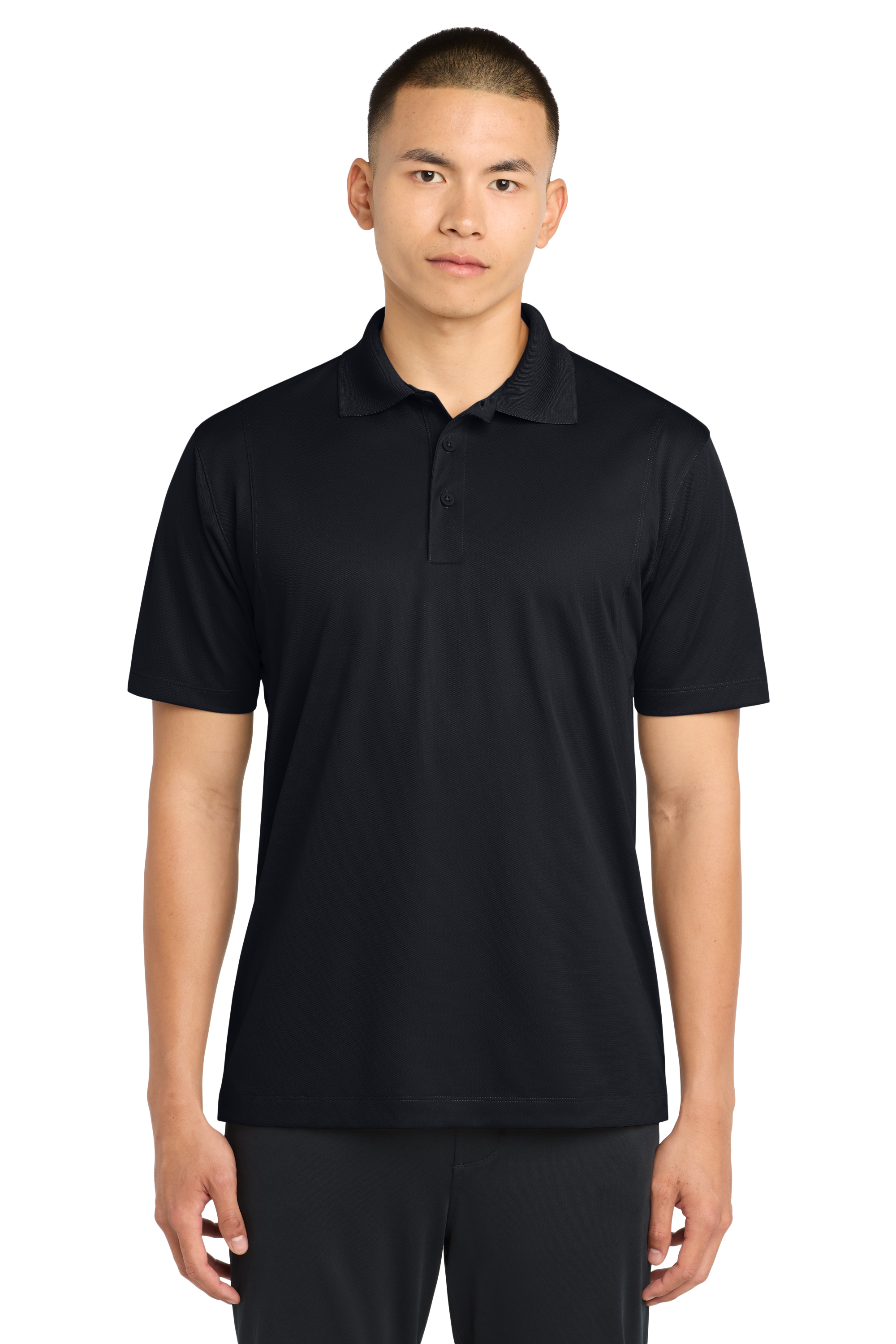
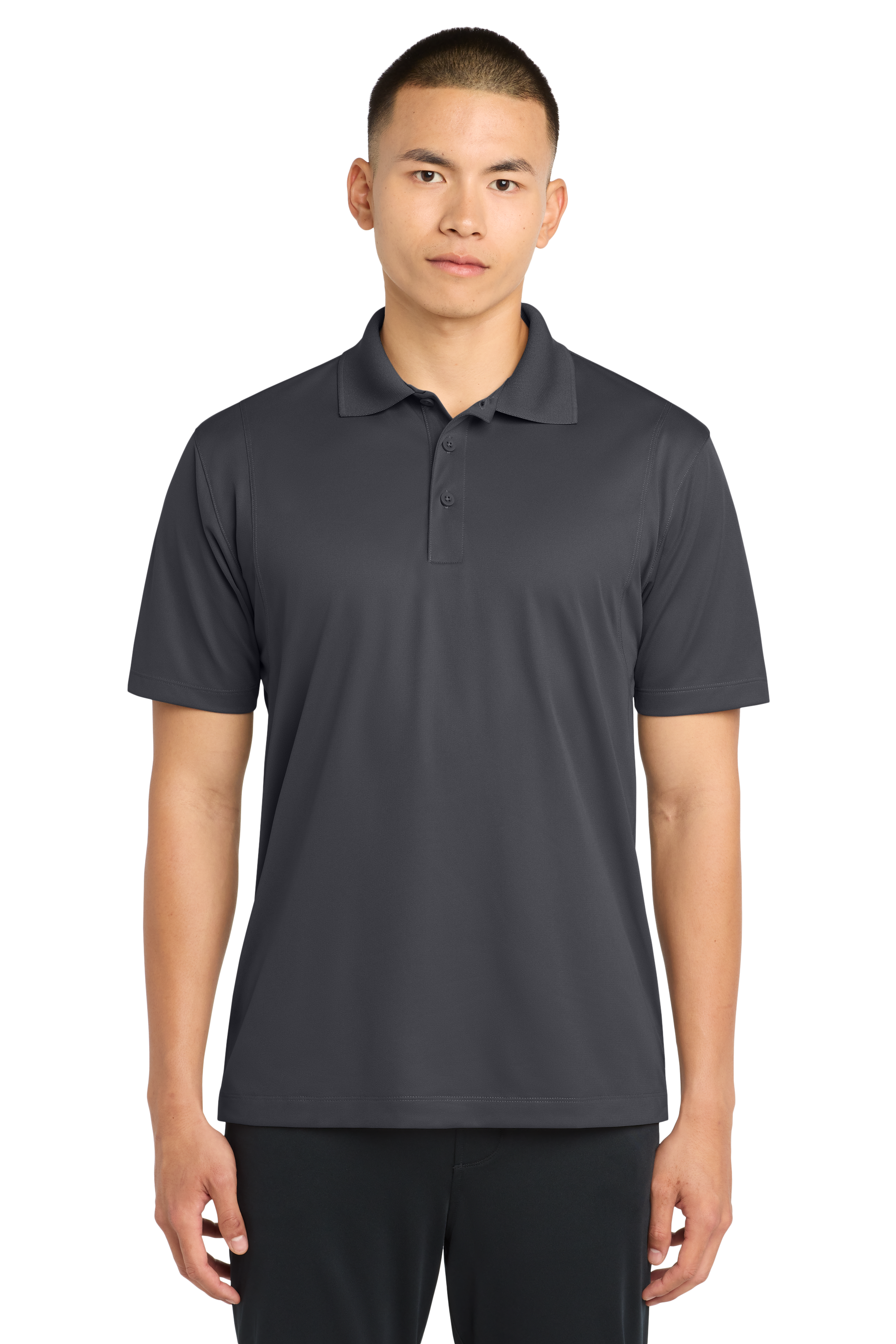
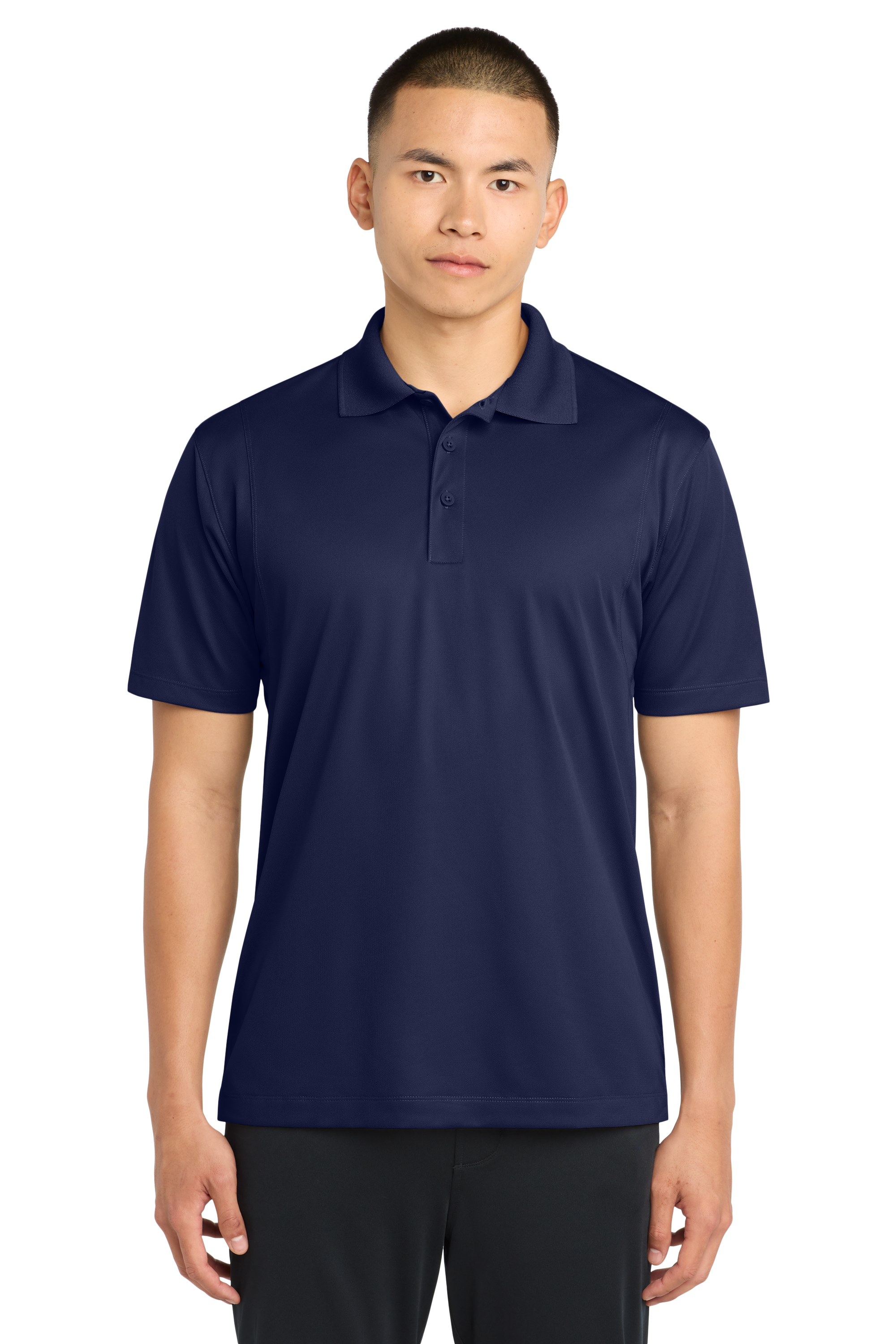
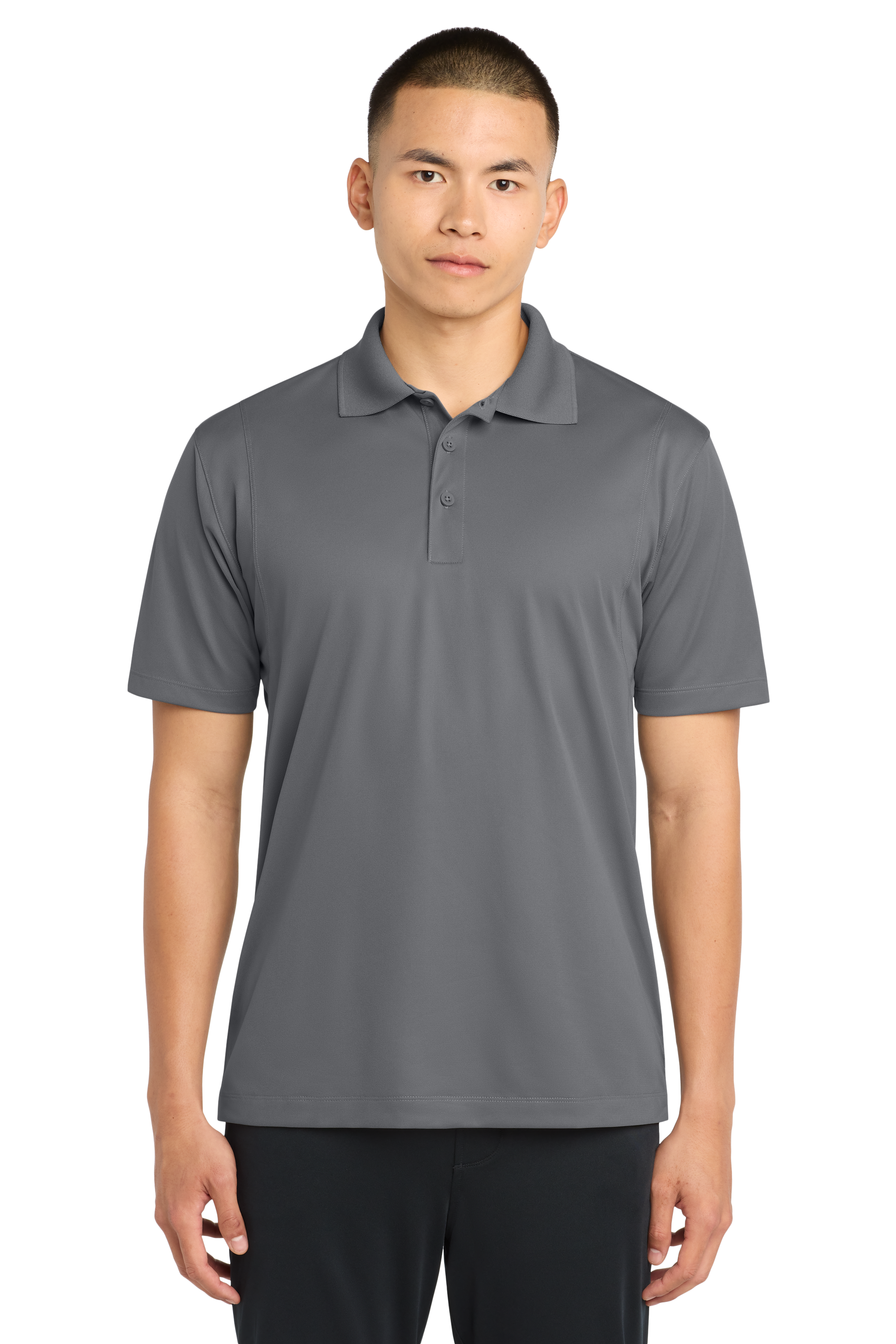
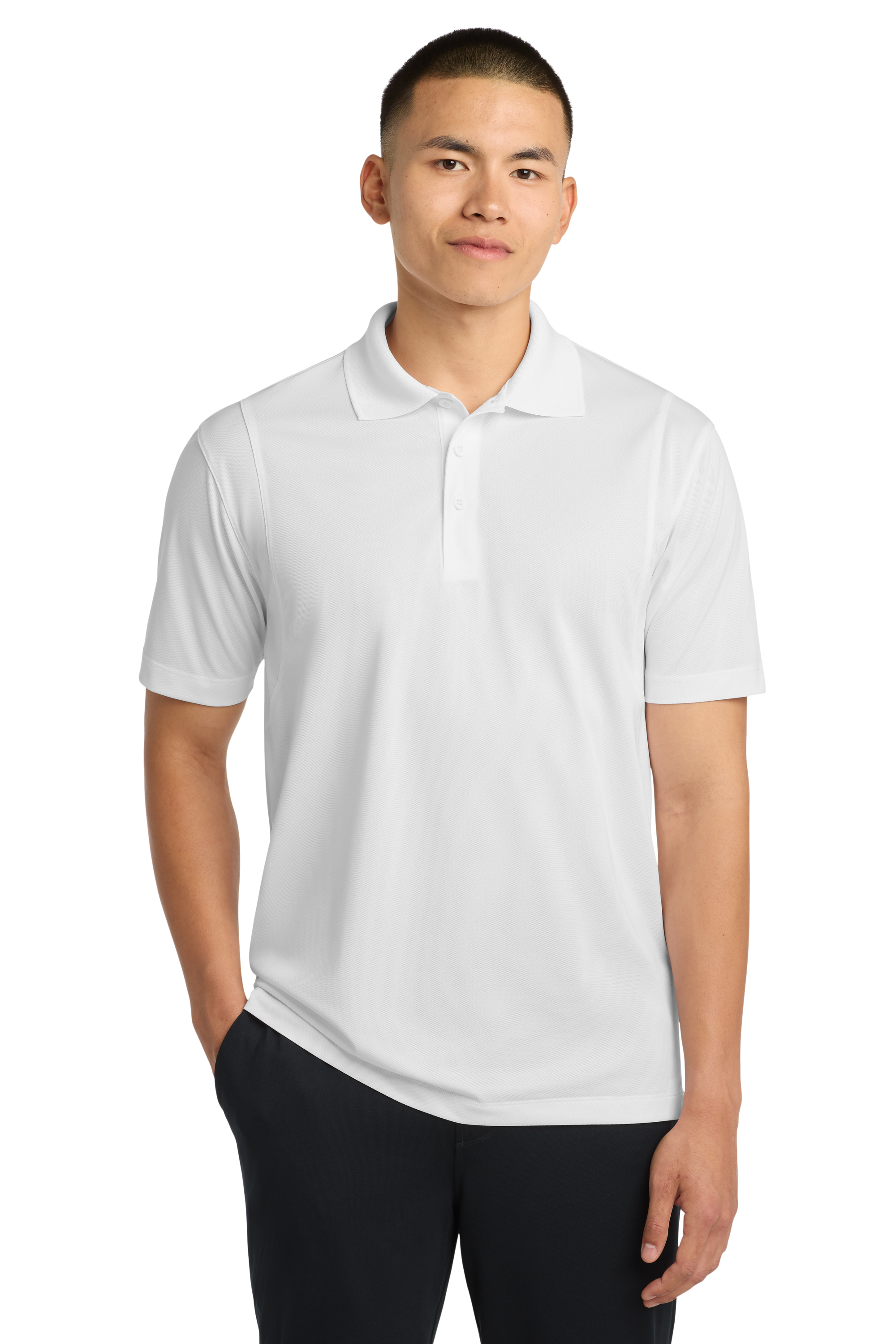
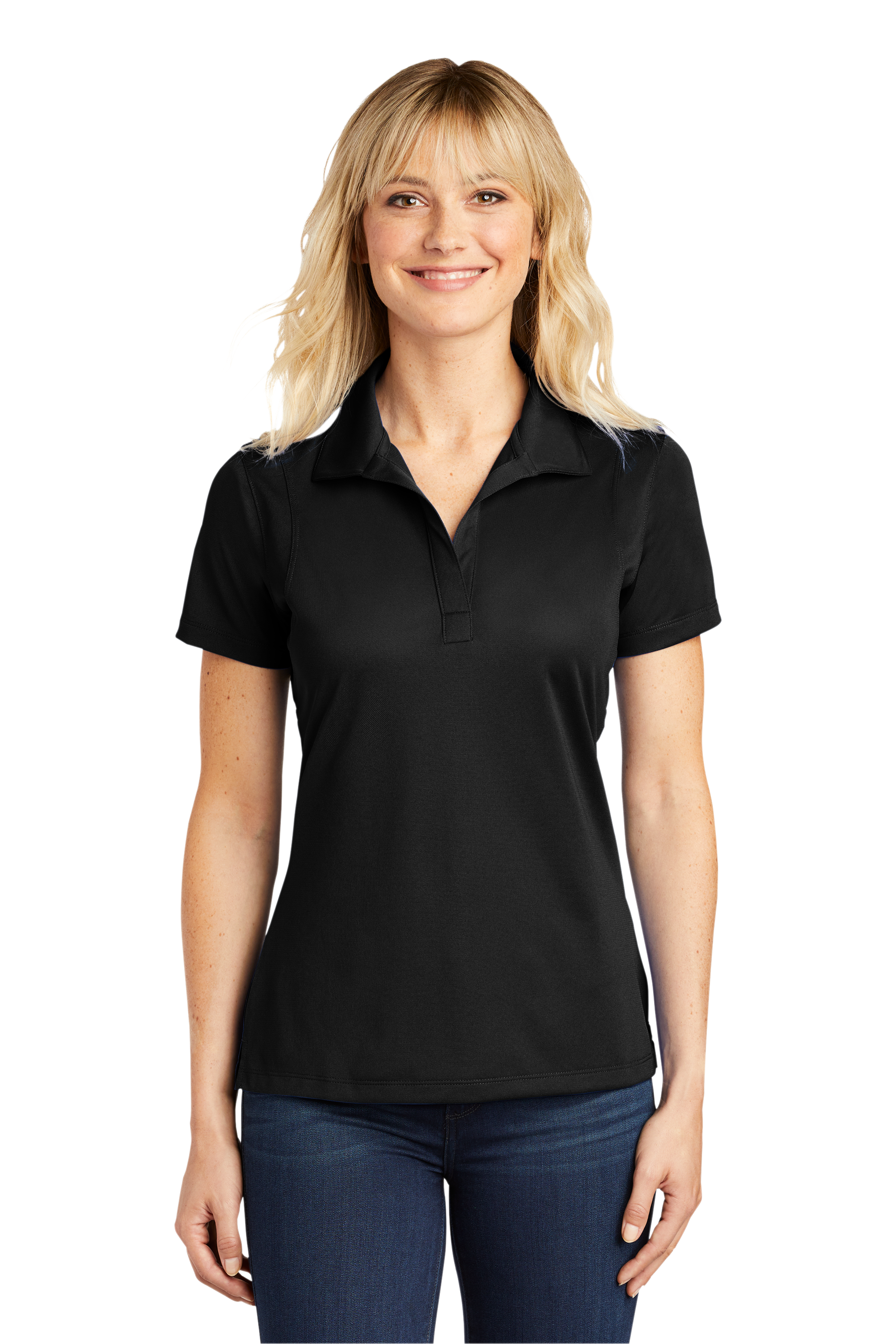
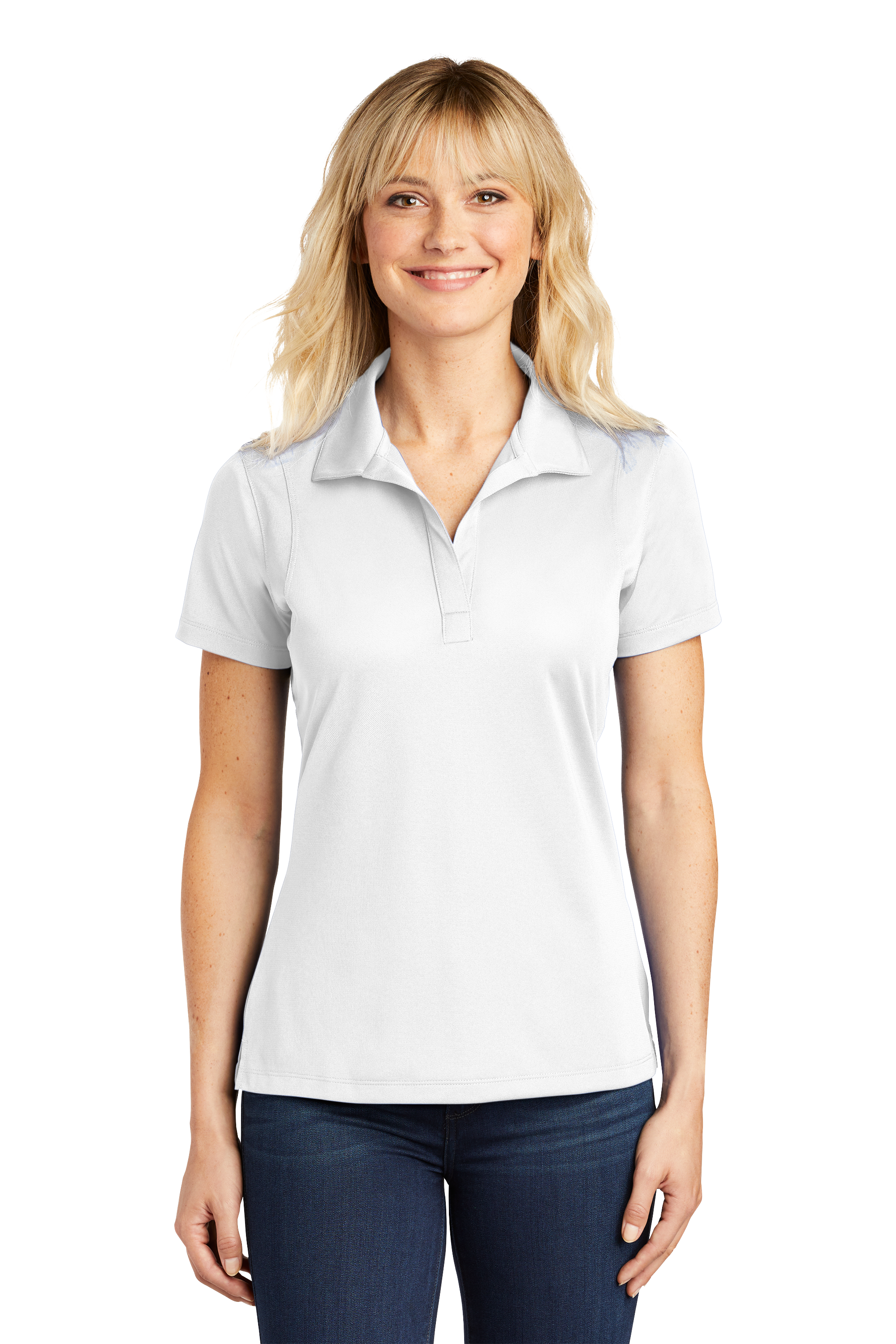
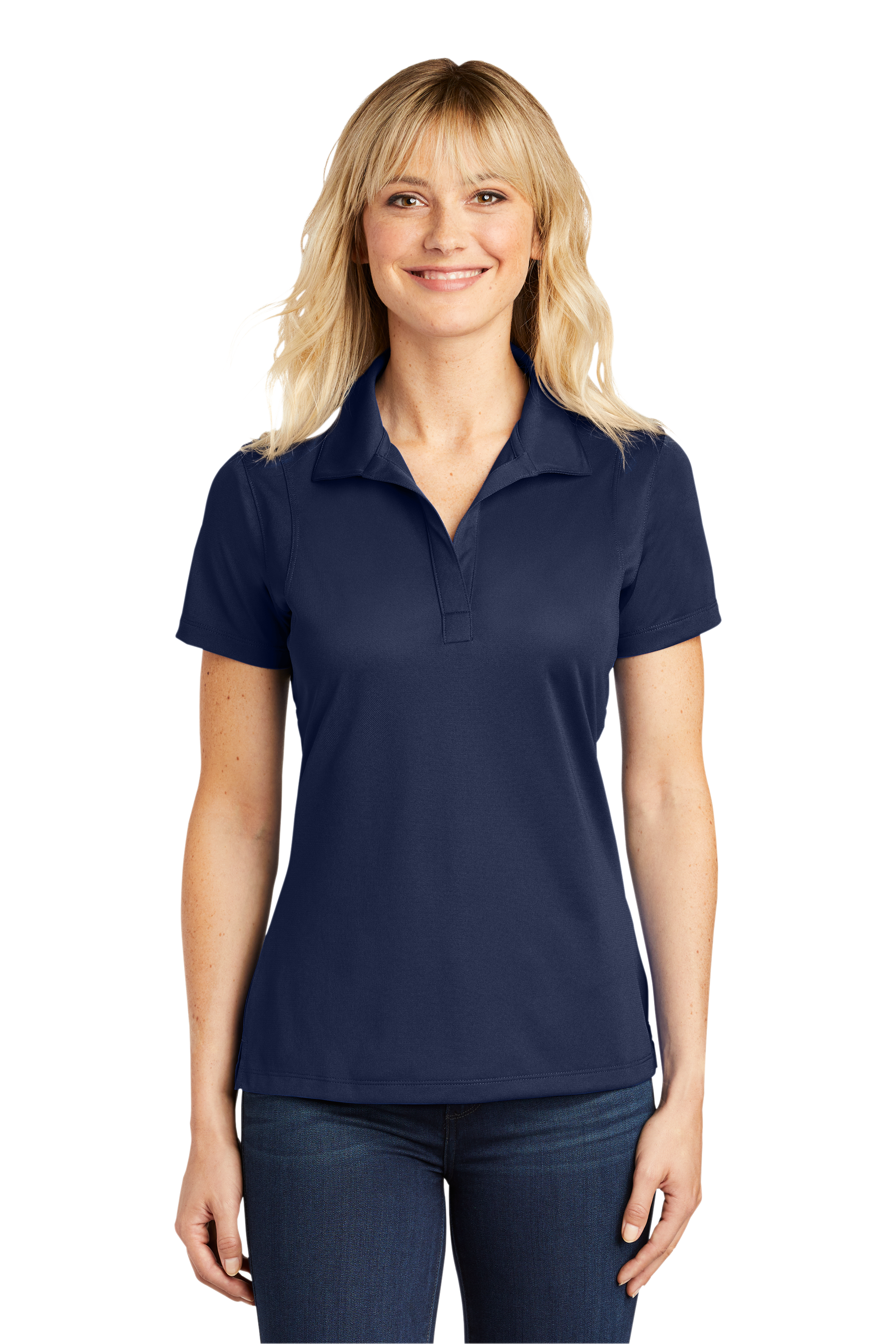
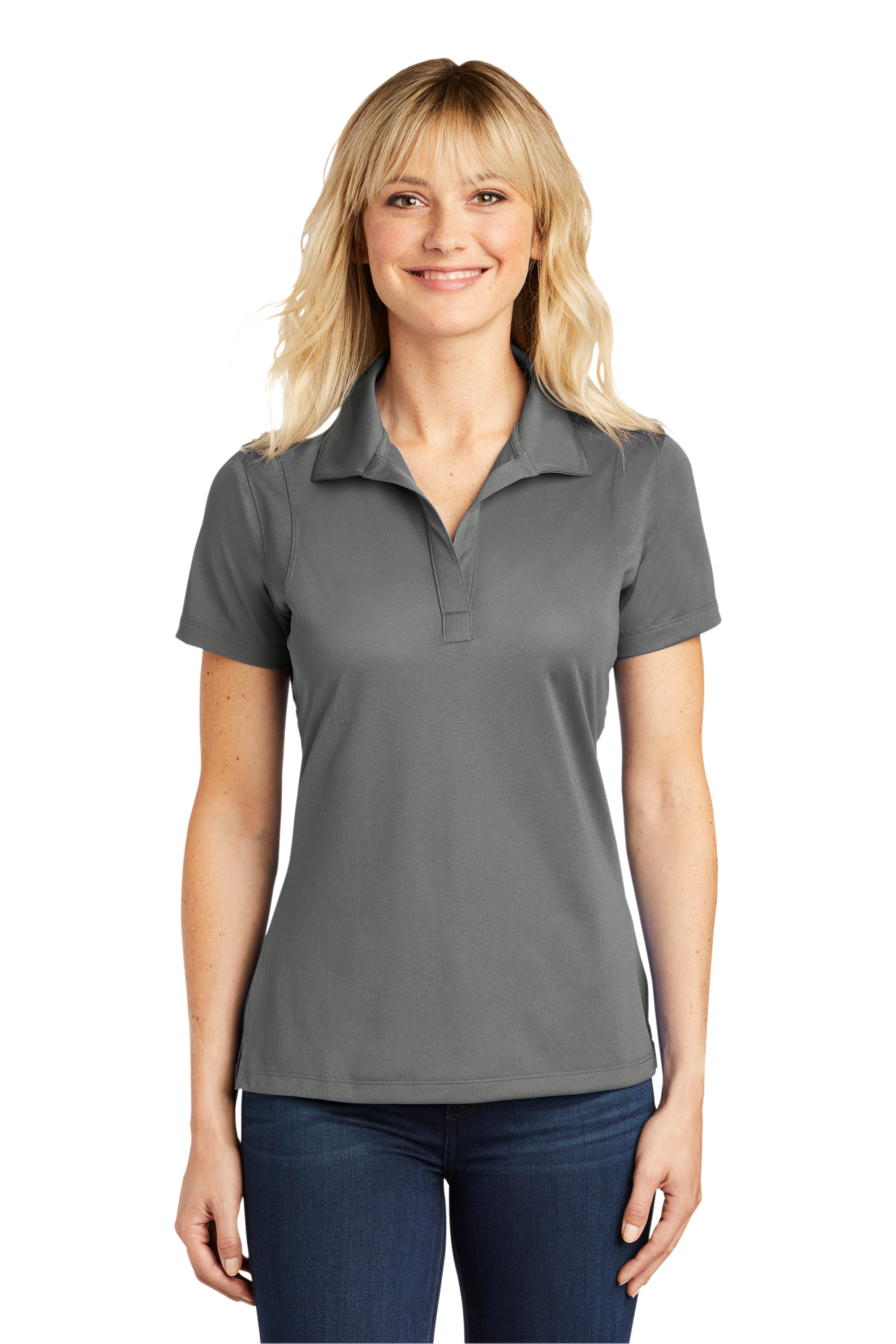
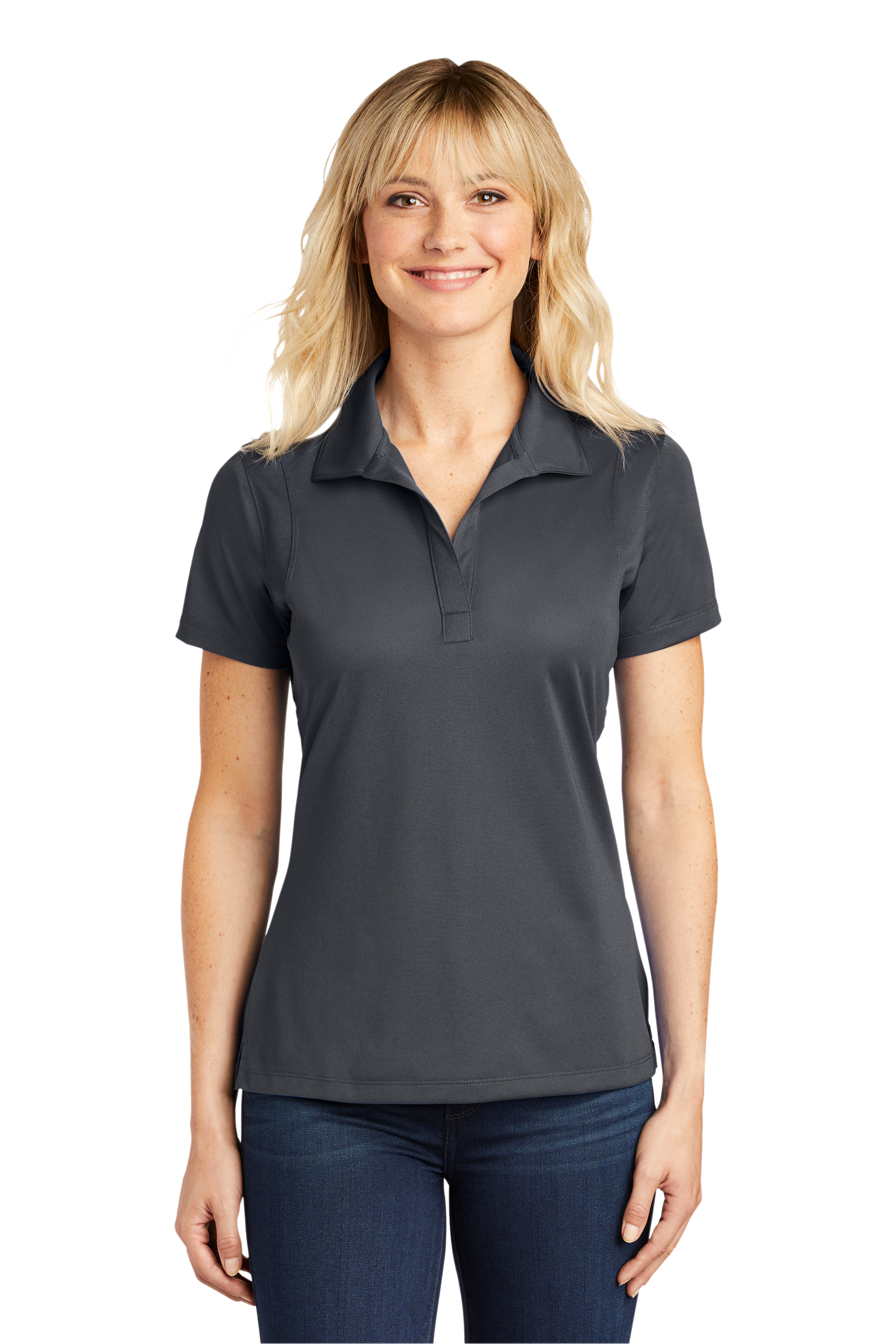
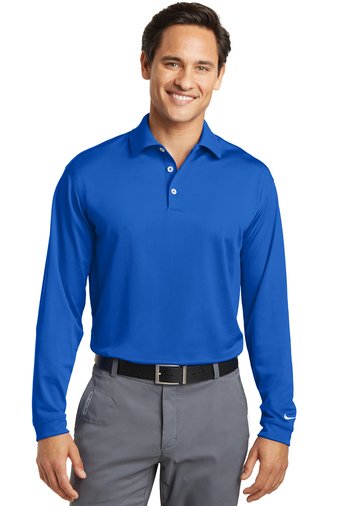
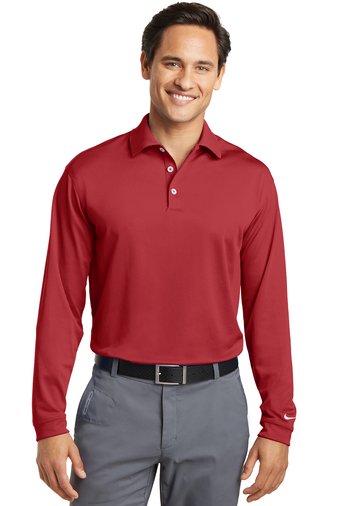
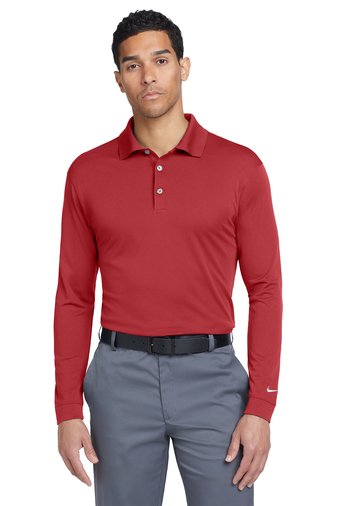
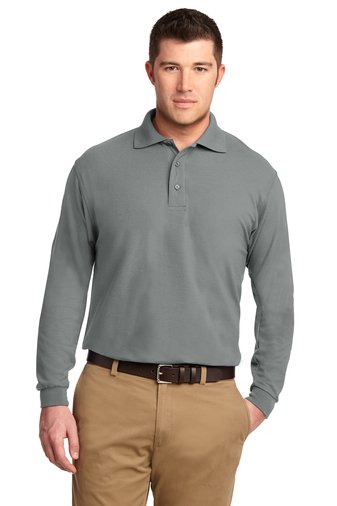
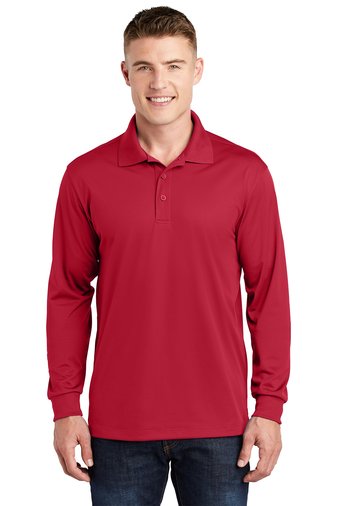
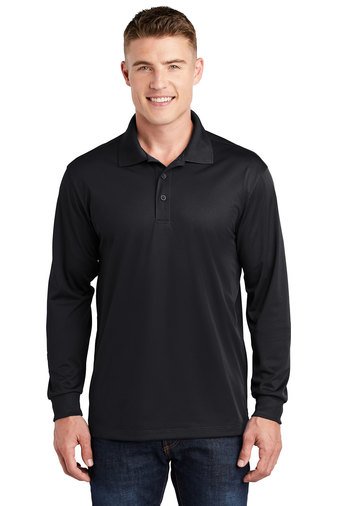
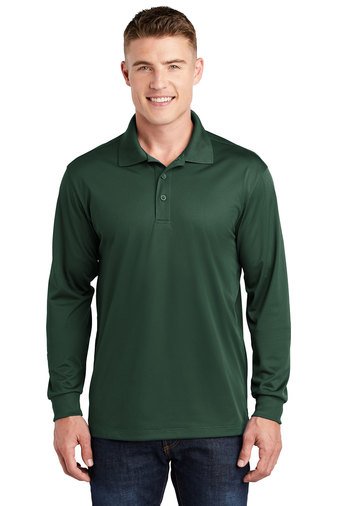
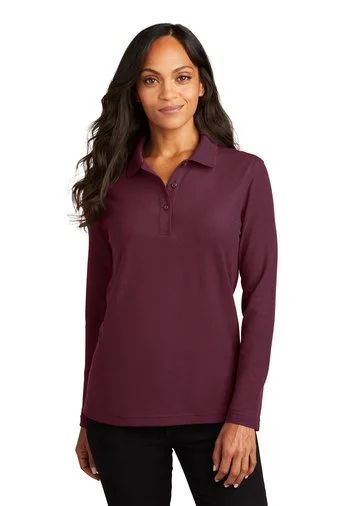
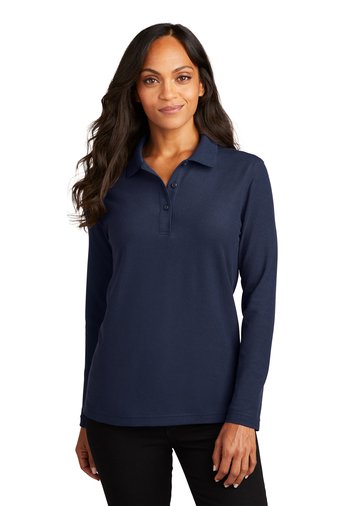
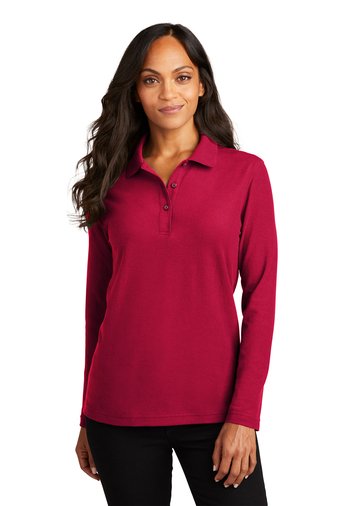
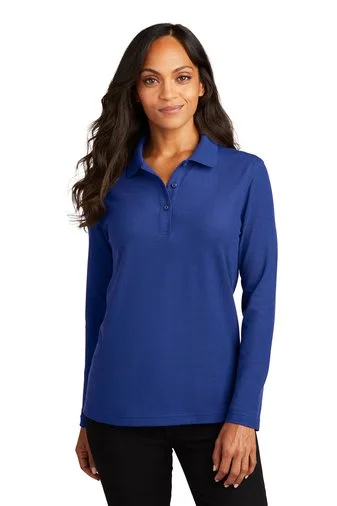
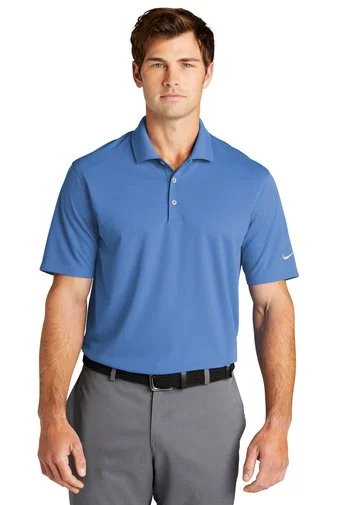
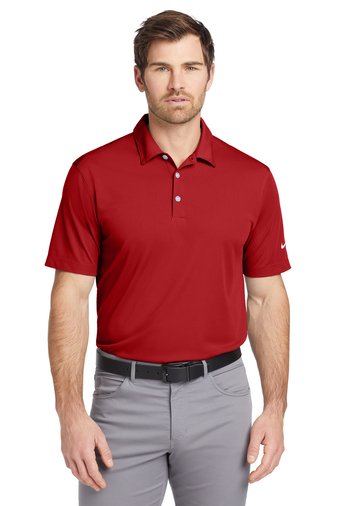
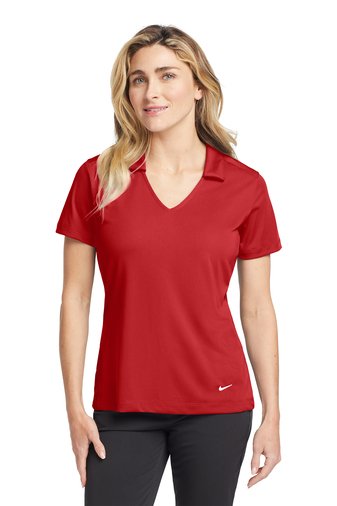
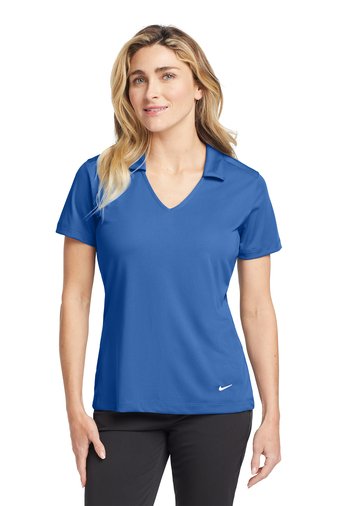
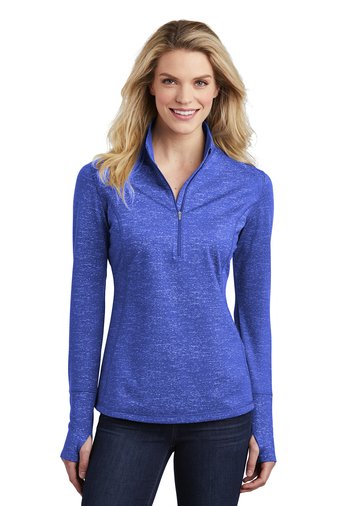
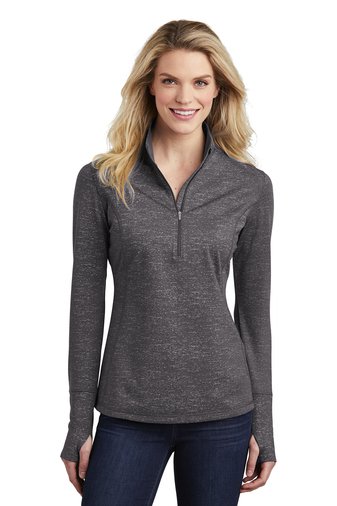
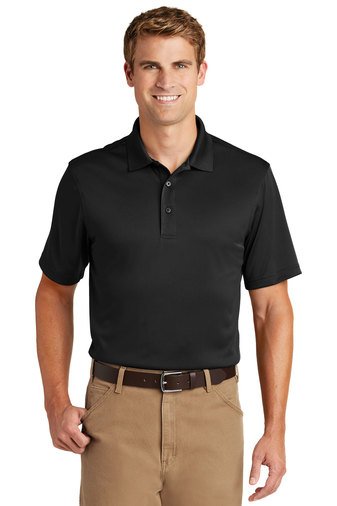
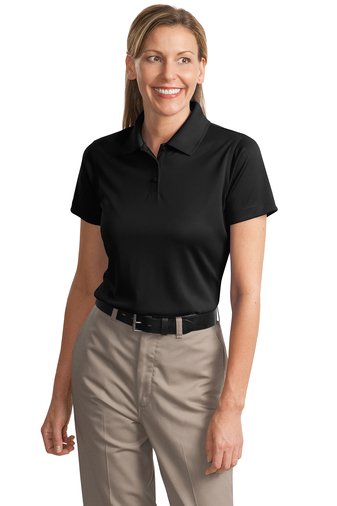
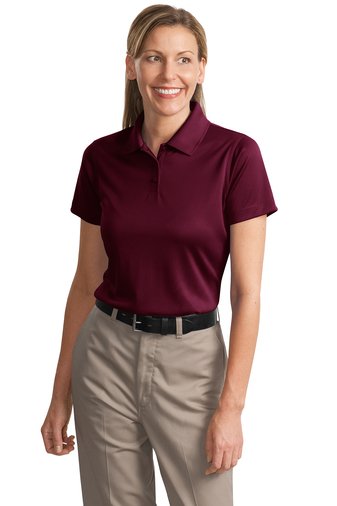
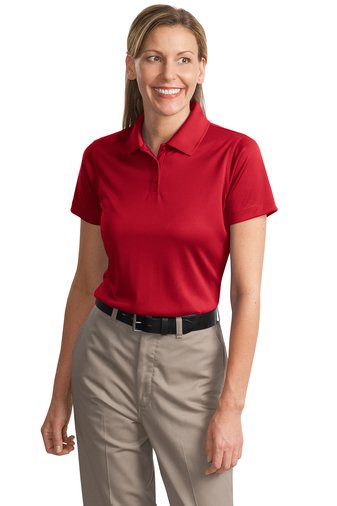
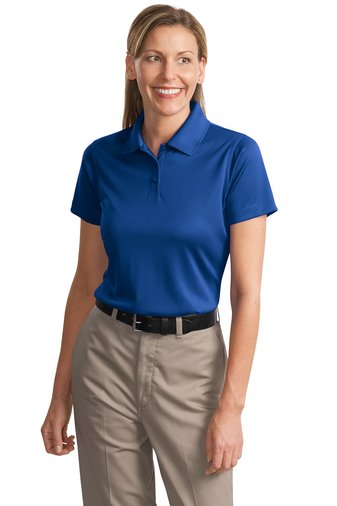
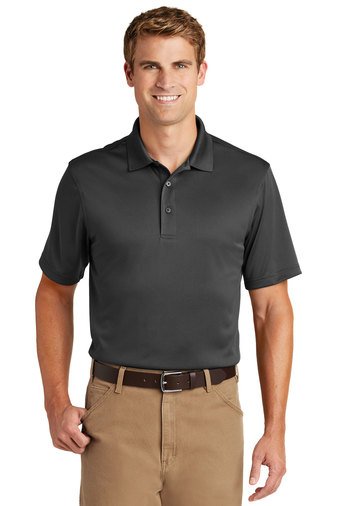
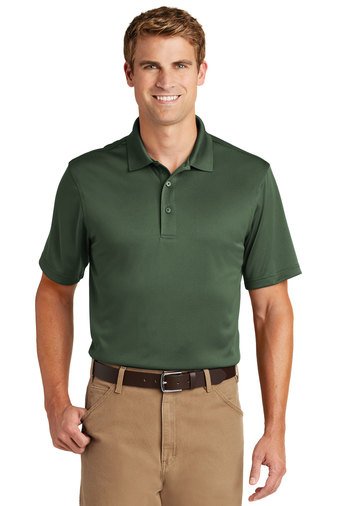
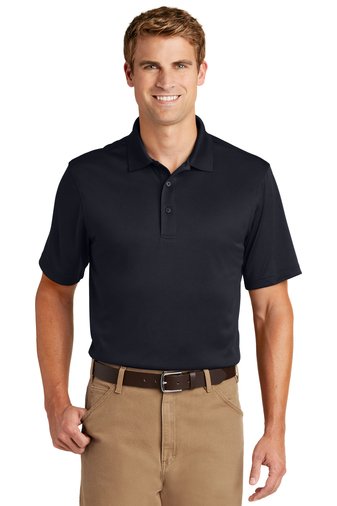
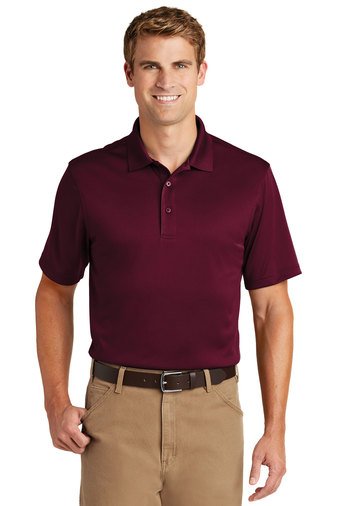
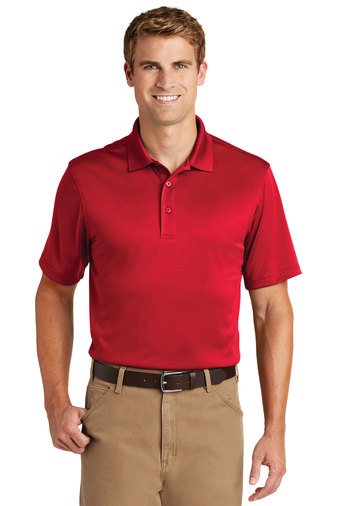
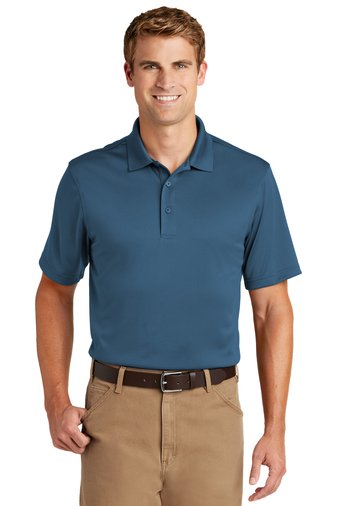
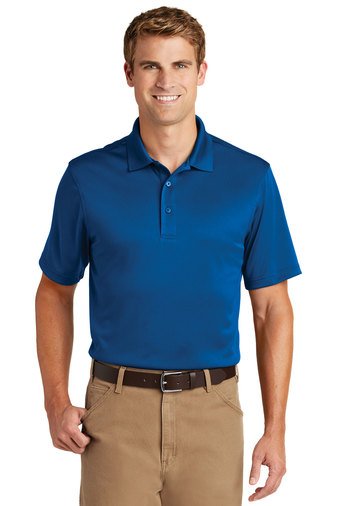
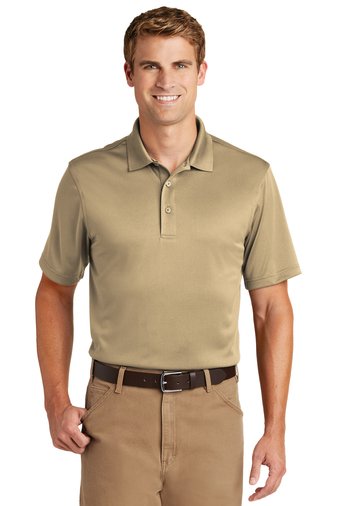
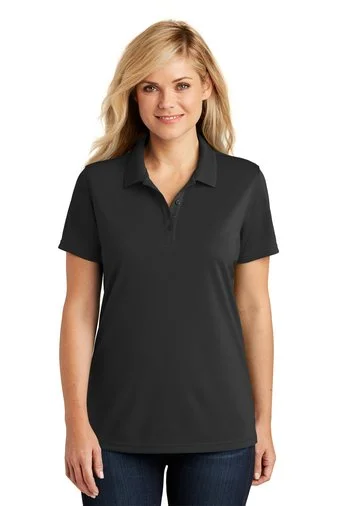
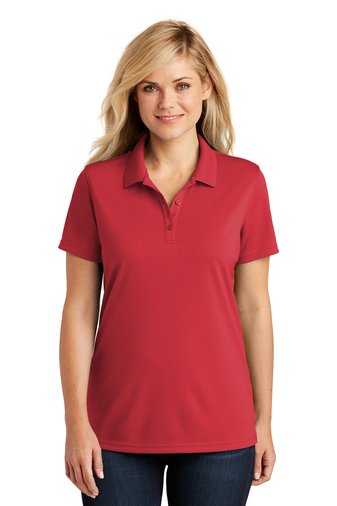
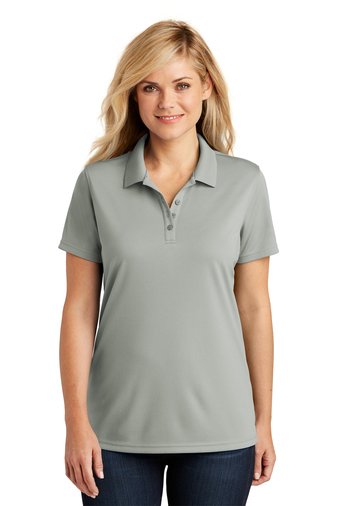
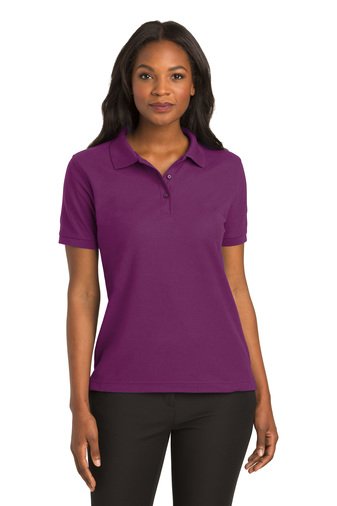
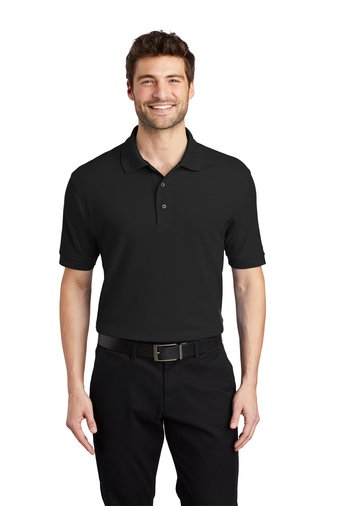
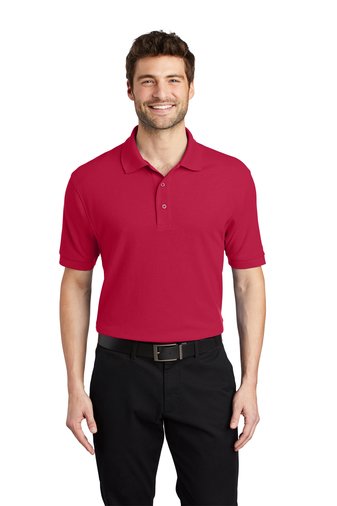
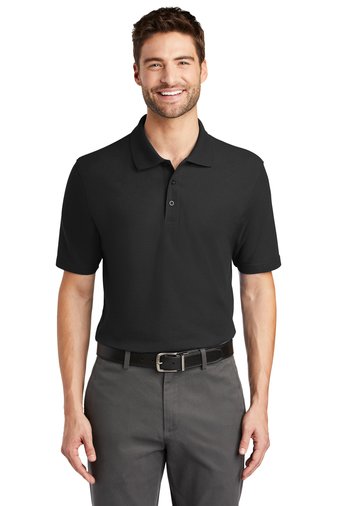
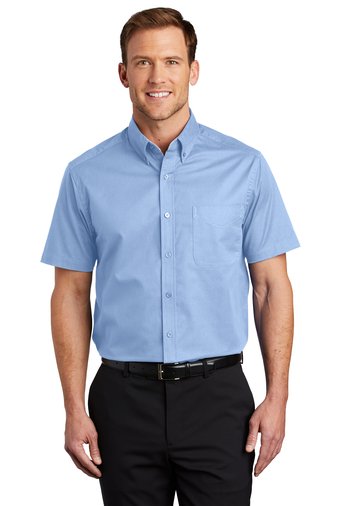
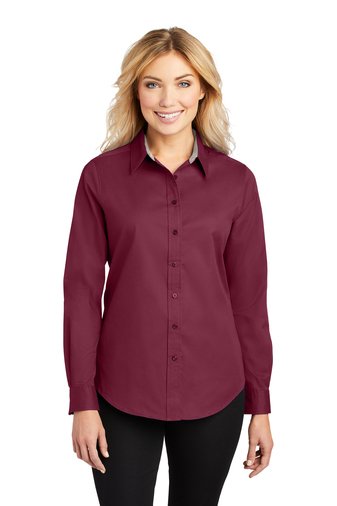
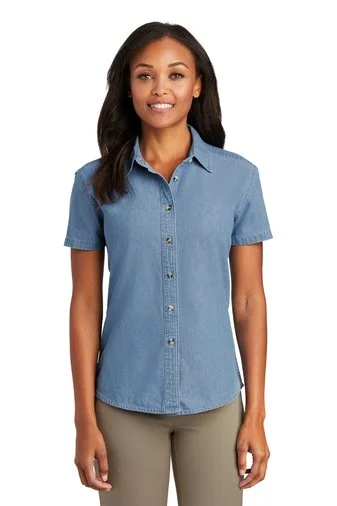
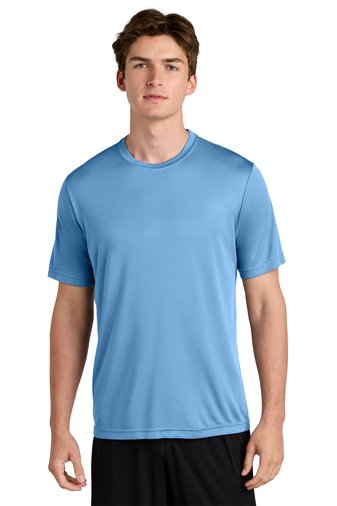
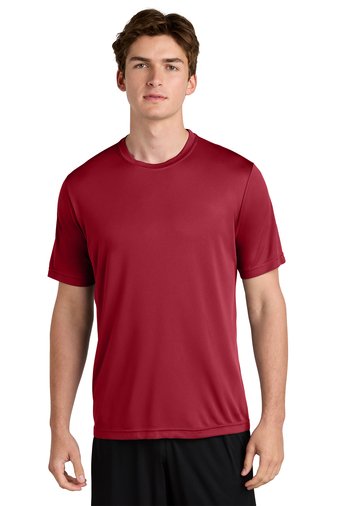
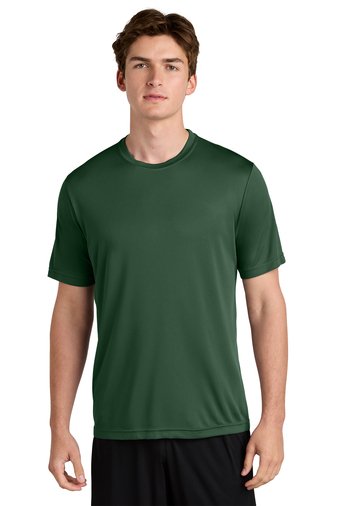
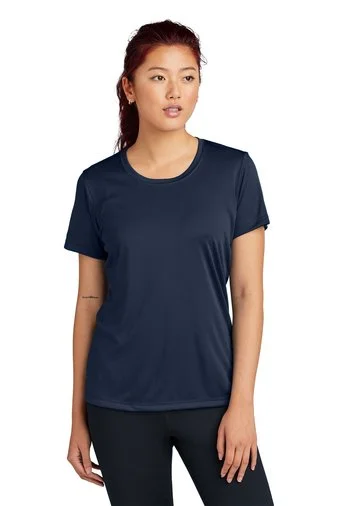
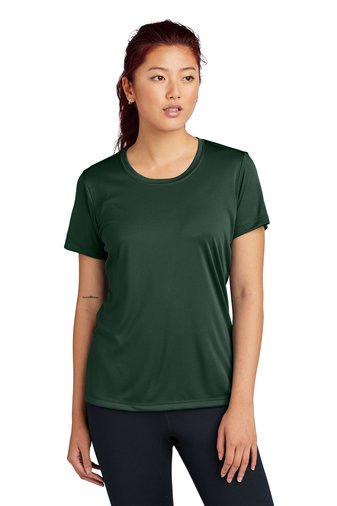
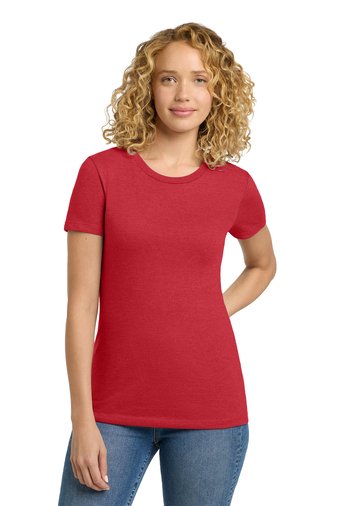
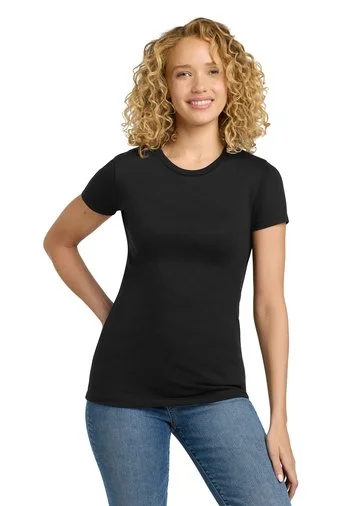
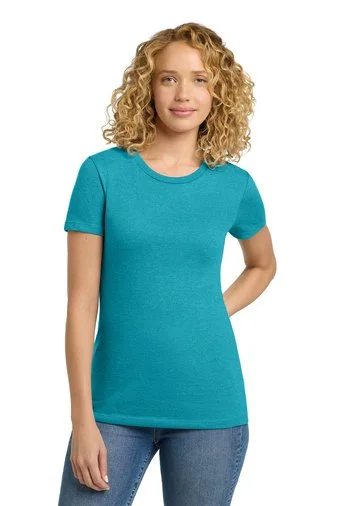
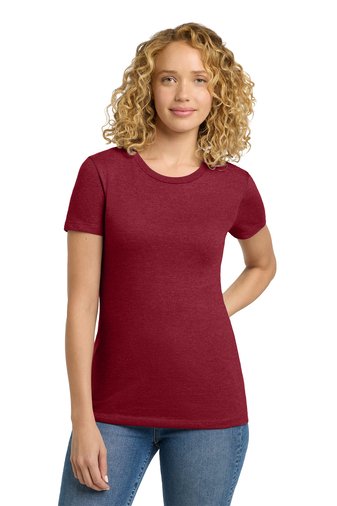
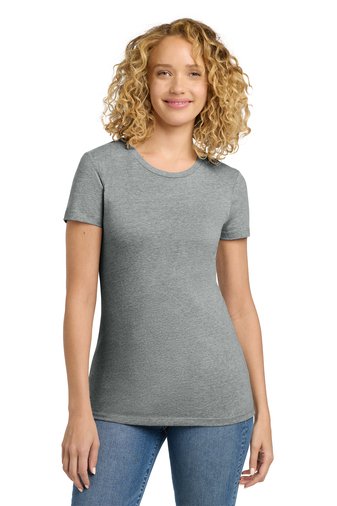
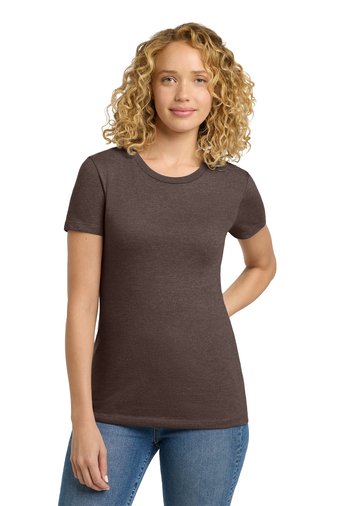
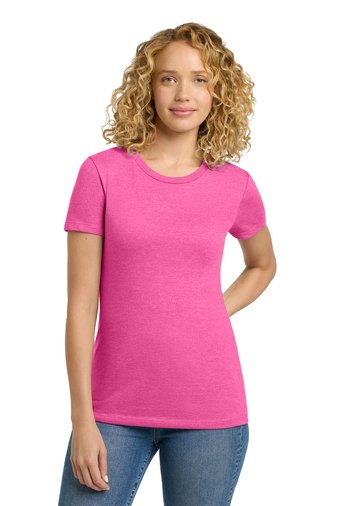
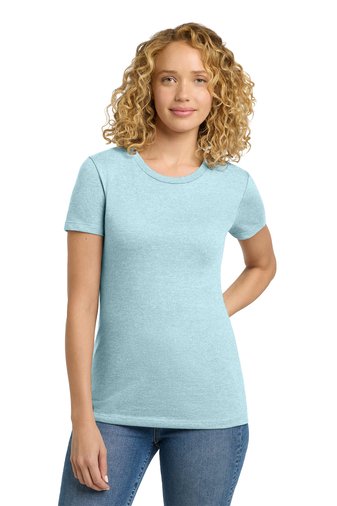
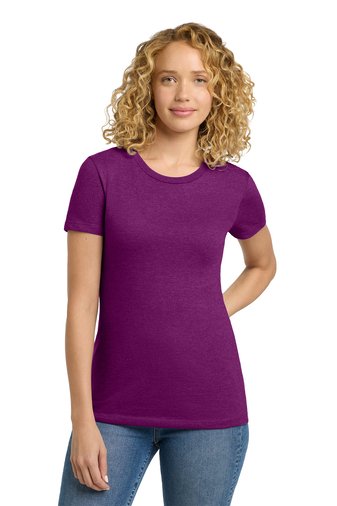
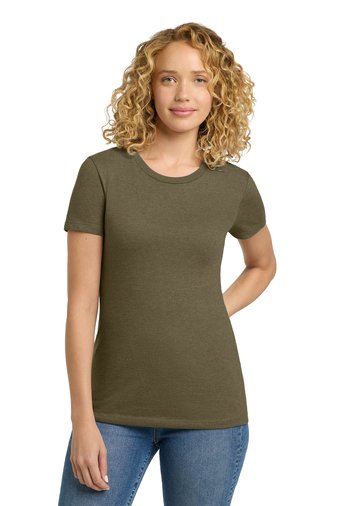
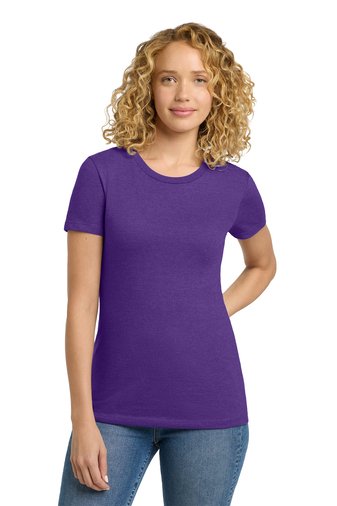
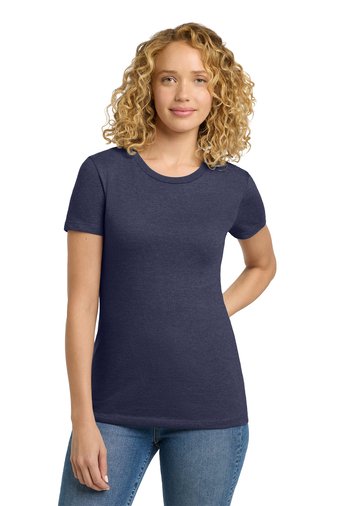
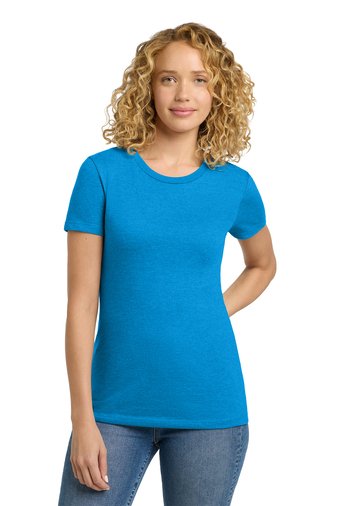
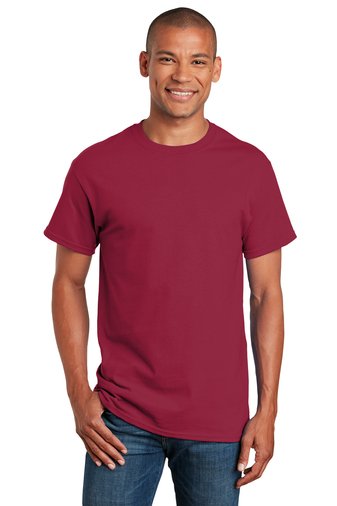
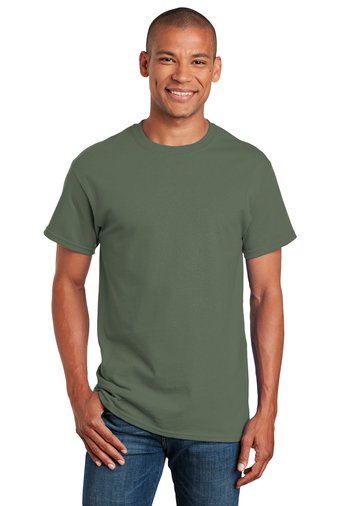
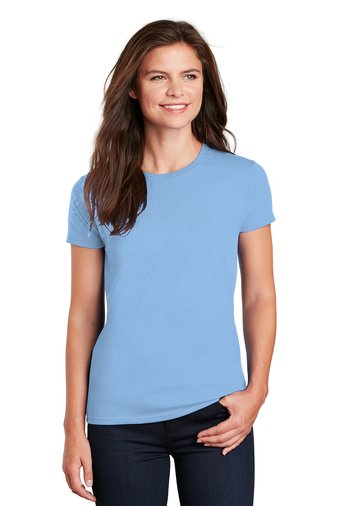
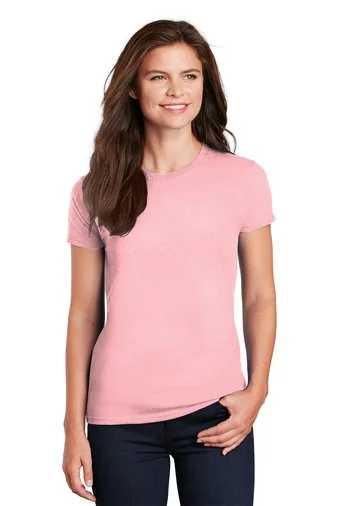
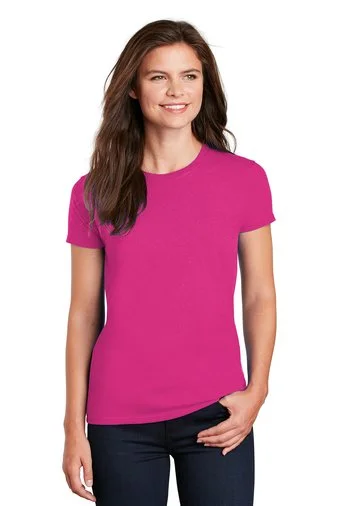
Choose Your garment from the “Apparel Catalog”. (Required)
Choose the Embroidered Left Chest Logo. (required)
If you have an Approved Screen Print (Imprint) logo, it can be found already in the Apparel Catalog, or under Imprints.
AT THE TOP OF THE PAGE… EMBROIDERED & Imprinted LOGOS, OR (Click here) CHOOSE THE left chest logo that corresponds to your group Id.
in the pop-up box specify WHICH garment it goes with. (required)
choose your right chest personalization(Click Here). in the pop-up box specify WHICH garment it goes with. (optional step)
choose your sleeve patch. (Click Here) in the pop-up box specify WHICH garment it goes with. (optional step)
add to cart
repeat steps for multiple items
Note: If You would like to have the option of Screen Printed (Imprinted) apparel with your logo, please email omdsales@gmail.com for setup.